Cricut Vs Silhouette for Paper Crafts: Which Wins?
If you’re deciding between Cricut and Silhouette for paper crafts, you’re basically choosing between two popular coworker-chefs in the craft kitchen. Both will help you slice, dice, and doodle your ideas into reality, but they specialize in slightly different flavors. Let’s unpack it without the brain fog and buzzwords.
What the two machines actually do best (and where they shine)
Cricut and Silhouette aren’t just brands; they’re ecosystems. Cricut leans into a large library of ready-made projects, cards, and a user-friendly vibe. Silhouette, on the other hand, tends to feel a bit more “tinkerer’s dream,” especially if you love true SVG-based control and customizing fonts and shapes. If you want quick wins with a big community, Cricut is your buddy. If you want depth, precision, and a little more DIY control, Silhouette calls your name.
TL;DR:
– Cricut: easy entry, strong design space, great for beginners and makers who love ready-made templates.
– Silhouette: powerful for precise cuts, SVG-centric, a touch more hands-on and customizable.
Cutting force and material handling — can they handle paper like a champ?
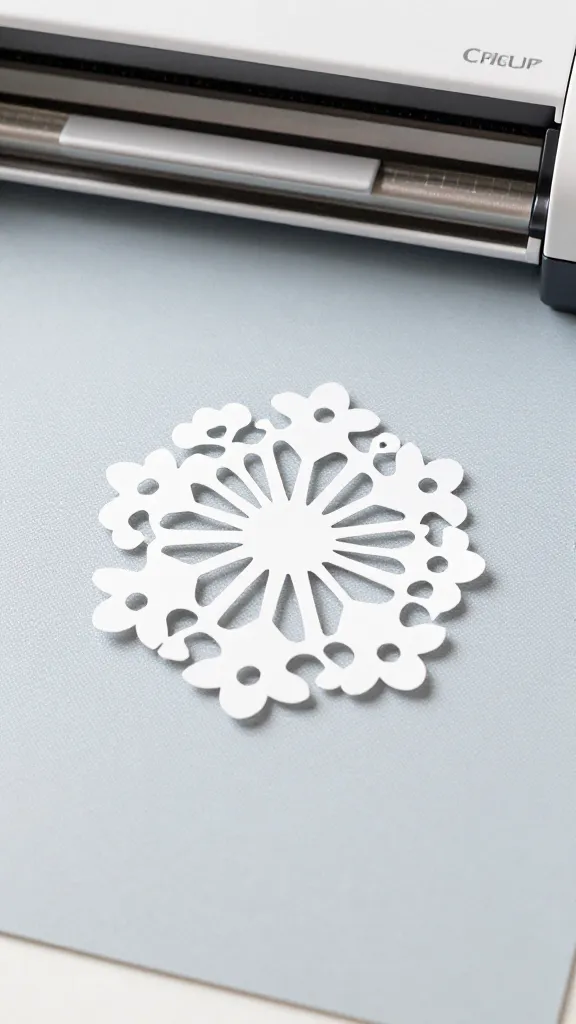
When you’re chasing crisp, clean lines on cardstock, you want predictable results. Cricut machines excel with standard paper crafts, especially with a well-tuned setting. Silhouette’s all-star move is the ability to push heavier materials and fine-tune pressure and blade depth for perfect cuts.
Key paper considerations
- Standard cardstock (80-110 lb): both brands handle it well with the right blade depth and speed.
- Pressed or textured paper: you’ll want to test a bleed or test cut to avoid snagging; both brands benefit from a good mat and proper grip.
- Glossy or coated paper: be mindful of adhesive and blade wear—glossy can stick to mats if the mat isn’t sticky enough.
Software, usability, and the learning curve
This is where the conversation gets real. Cricut Design Space feels polished and social-media-friendly. It guides you through projects, has a lot of templates, and hooks into a healthy ecosystem of accessories. Silhouette Studio can feel more old-school but offers deeper control, especially if you love vectors and precise adjustments.
IMO, Cricut is the “plug-and-play with less friction” option, while Silhouette rewards patience with deeper customization.
What this means in practice
- Cricut: quick projects, auto-bleeding-edge features, frequent updates, and lots of online tutorials.
- Silhouette: more manual tweaking, advanced SVG import/export, and nuanced cut settings.
Cost of entry and ongoing hobby costs
Let’s talk dollars, because hobby budgets matter. Cricut machines tend to be a bit pricier upfront, especially if you want the latest model with all the bells and whistles. Silhouette machines can be more affordable plum picks, but you’ll often end up chasing additional software or fonts to unlock full potential.
What to expect financially
- Initial purchase: Cricut often costs more, but it includes a lot of ecosystem perks (accessories, mats, materials). Silhouette can be cheaper at first, but you might buy more tools separately.
- Materials: both work with standard cardstock, sticker paper, vinyl, and patterned papers. Expect similar ongoing costs for mats and blades.
- Software: Cricut Design Space is free with paid upgrade options. Silhouette Studio offers a free version and a pro add-on later if you want advanced features.
Community, support, and project inspiration
If you crave a lively user base, you’ll love Cricut’s ecosystem. There’s a huge library of ready-to-make projects, fonts, and templates. Silhouette users tend to be a bit more DIY-leaning, sharing SVGs, tips, and hacks across forums and YouTube. Both communities are active, but the vibe is a little different.
Which one helps you actually finish projects?
- Cricut: templates, step-by-step guides, and a big beginners’ playground make it easier to complete projects on a deadline.
- Silhouette: if you enjoy tweaking and designing from scratch, you’ll feel right at home. You’ll likely learn through trial and error, which is half the fun.
Design freedom: fonts, SVGs, and cut precision
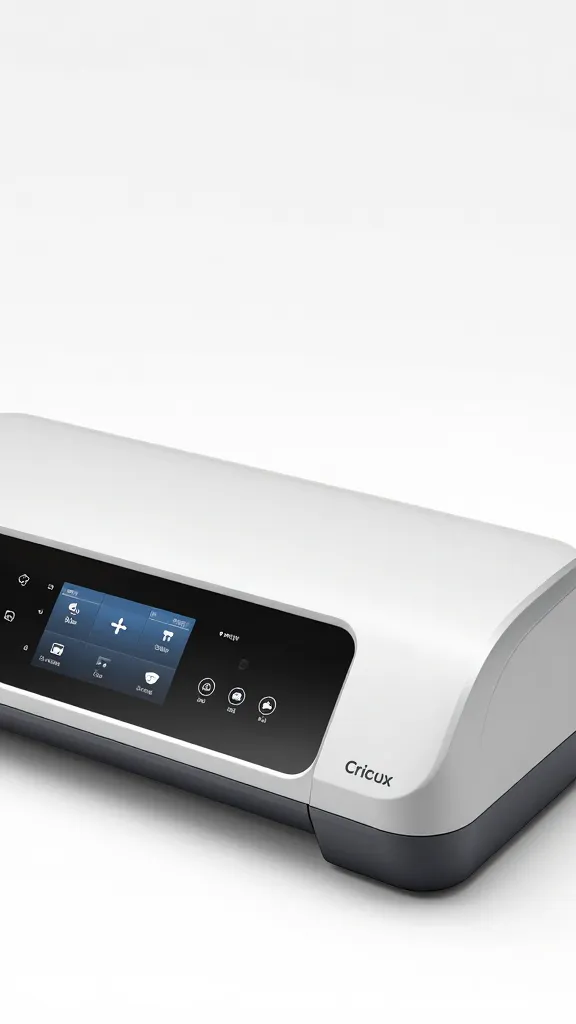
If you’re big on typography and vector art, Silhouette shines. It handles SVGs natively, gives you granular control over node points, curves, and bleed. Cricut has grown, but its strongest suit remains a curated library of fonts and images that work smoothly within Design Space.
Font game and SVG import
- Silhouette: import SVGs, adjust paths, node editing, minimalist control for perfect letter cuts.
- Cricut: fonts are easy to pair within Design Space; if you’re building from scratch, you’ll rely on a mix of built-in fonts and paid bundles.
Hardware and practicality: mats, blades, and maintenance
Let’s talk shop gear and how to keep things running smoothly. Mats wear out; blades dull. Cricut’s mats often feel stickier and a tad fussy to reacquire the right grip, especially with delicate papers. Silhouette’s blades can feel sharp and precise, with a slightly broader range of options for blade types.
Mat and blade tips
- Always test cut with a fresh mat or a re-sticky mat if your paper isn’t passing the test. FYI, this saves tears on delicate projects.
- Keep blades sharp and clean; residue on blades equals jags and mis-cuts. Wipe and replace when needed.
- Consider a light grip mat for fragile papers and a standard mat for everyday cardstock.
Who should pick Cricut, who should pick Silhouette?
If you’re starting out and want a supportive community with lots of templates, go Cricut. If you’re a die-hard DIYer who loves tweaking every cut, go Silhouette.
Decision short-cuts
- You want speed, templates, and a big project library: Cricut.
- You want deep vector control, SVG workflows, and customization: Silhouette.
A quick side-by-side cheat sheet
- Design space: Cricut’s ecosystem vs Silhouette’s Studio flexibility
- Ease of use: Cricut wins for beginners; Silhouette wins for customization fans
- Materials: both handle paper well; mind the mat quality
- Cost: initial investment varies; ongoing costs balance out based on usage
- Community: Cricut’s large library vs Silhouette’s DIY forums
Conclusion
So, which one is right for you? If you want a friendly entry into paper crafts with tons of templates and a quick path to productivity, Cricut is a stellar choice. If you crave precision, SVG mastery, and the freedom to customize your cuts down to the last node, Silhouette will feel like home.
Either way, you’ll end up with crisp edges, clean cuts, and a crafty spark that makes your projects pop. FYI, you don’t have to commit to one forever—many crafters actually own both and use each for different projects. No judgment here; just happy cuts.
FAQ
Do Cricut and Silhouette work with the same materials?
Mostly yes for standard paper and vinyl, but each brand has preferred mats, blades, and settings. Start with a test cut to dial in the right depth and speed before you go full send on a project.
Is one significantly better for beginner crafters?
Yes, Cricut tends to be more beginner-friendly due to Design Space and the huge library of ready-made projects. If you’re comfortable with a steeper learning curve, Silhouette offers deeper control that grows with you.
Can I switch between machines on the same project?
Not directly; you’ll usually need to adapt SVGs or designs to the appropriate software and settings. It’s doable, but expect some tweaking.
Which has better community support?
Both are strong. Cricut has the edge in ready-to-make projects and quicker inspiration, while Silhouette leans on forums and tutorials from DIY enthusiasts who enjoy tinkering.
Are there hidden costs I should know about?
Expect ongoing costs for mats, blades, and materials. Software subscriptions or upgrades can add up if you push into premium features, but you can stay budget-friendly by sticking to base plans and common materials.